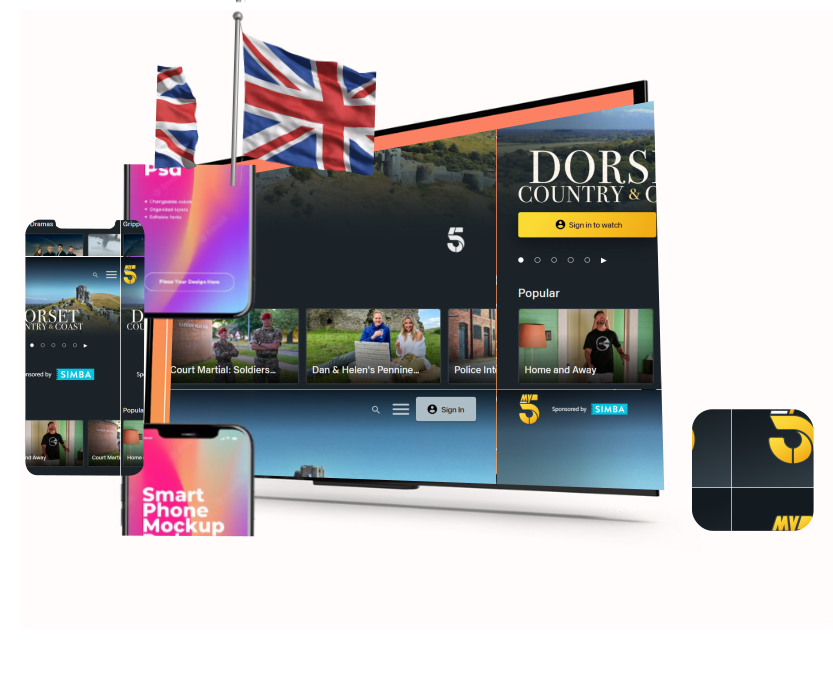

How to Stream Channel 5 Online with ExtremeVPN
Catch all your favorite British TV, movies, live sports, reality TV shows, and more on Channel 5 securely using ExtremeVPN.
- Zero throttling and ultra-fast HD streaming
- 30-day money-back guarantee
- Set up easily on your device(s)
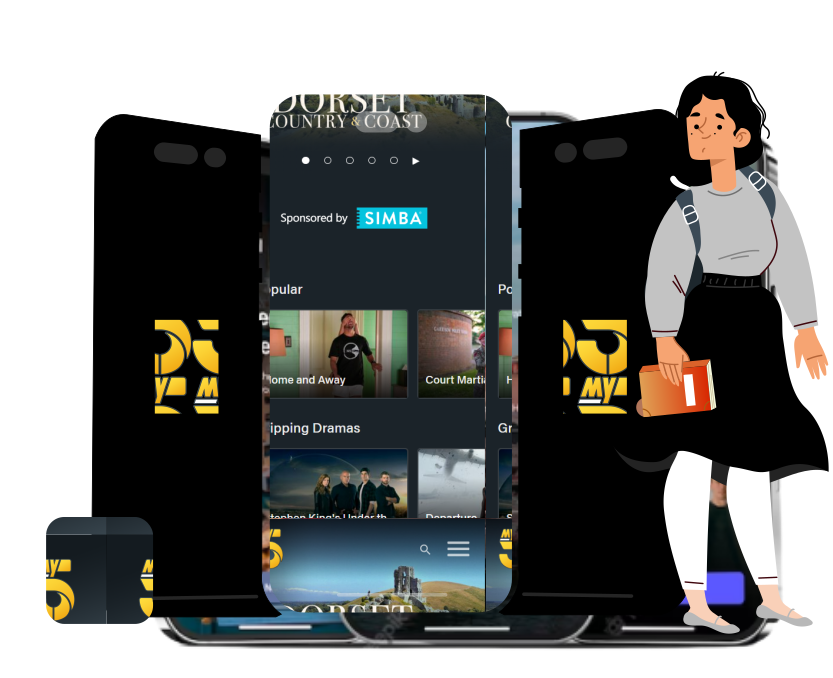
Stream Channel 5 with ExtremeVPN in 3 Steps

Step 1
Sign up for ExtremeVPN and its ultra-fast streaming service.

Step 2
Connect to a UK server.

Step 3
Set up or log in to your Channel 5 account and start streaming your favorite shows.
What’s on My5?
My5 is the on-demand video and catch-up service for Channel 5. It offers free online streaming of content for viewers with a UK IP address. My5 also offers free content streaming from 5USA, 5Star, 5Select, and 5Action.
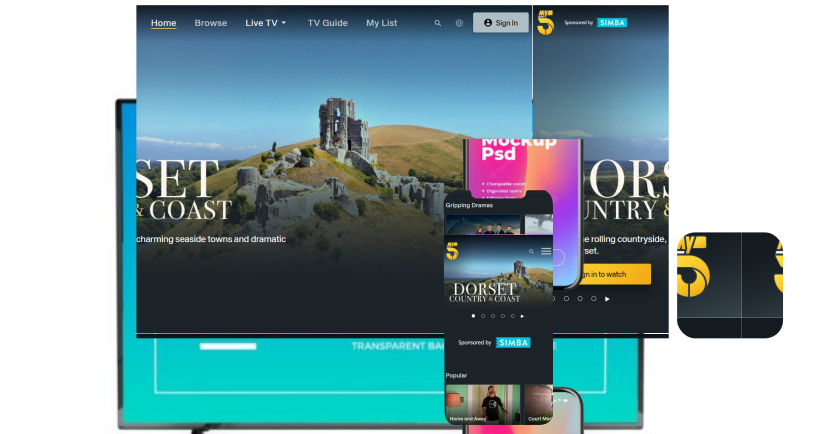
My5 is Inaccessible outside the UK
Like every other on-demand streaming service, My5 has geo-restrictions and is only accessible from within the UK. Accessing the website or even creating a My5 account from abroad is possible. But there’s a notification that pops up when, after logging in, you try to stream a video. The notification states that you must be located in the British Isles to view content on My5.
While there is a geo-restriction on My5, there is still a way to stream My5 content from outside the UK. All you need is a VPN with an excellent bypassing or unblocking feature like ExtremeVPN. With ExtremeVPN, you can mask your original IP identity with that of the UK. This way, you have access to streaming any content from outside the UK.