

Download ExtremeVPN for Windows
Get the fastest connectivity and highest protection on Windows-based devices with ExtremeVPN’s exceptional security features.
- Split-tunneling
- Internet kill switch
- 30-days money-back guarantee
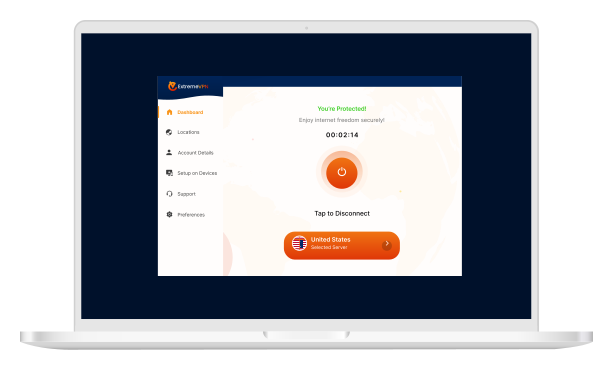
Set Up ExtremeVPN on Windows in 3 Simple Steps
Setting up a VPN is easy. Follow the steps below, and you’ll be good to go:

Subscribe to ExtremeVPN
Get yourself an ExtremeVPN subscription.

Download the App
Download the ExtremeVPN app on your device.

Connect to Server
Log in, choose a VPN server, and start browsing the internet freely!
The Ultimate Privacy & Security on Windows
Safeguard your computer against cyberattacks and threats with ExtremeVPN’s exceptional security features designed specifically to keep your Windows devices secure from cybercriminals at all times.
- Don’t worry about us spying on your network.
- Set up in 3 simple steps
- 30-day money-back guarantee
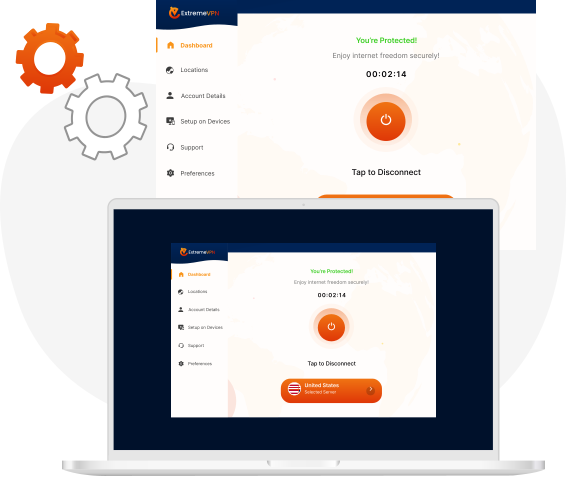
Why Millions of People Rely on ExtremeVPN for Their Security
 Single-Click Login
Get unrestricted access to the internet with end-to-end encryption in a single tap!
 Robust Security Protocols
Our robust security protocols go to extreme measures to eliminate the newest threats and risks associated with cybercrimes.
 Internet Kill Switch
ExtremeVPN’s internet kill switch feature prevents your data from leaking to the web when the internet connection drops.
 24/7 Customer Support
We are always available for your assistance. Reach out to us 24/7 and get your issues solved.
 Recommended Server
Let our intelligent algorithm find the correct server for you with our recommended server option.
 Access Almost Anything
Defeat censorship and content restrictions worldwide with ExtremeVPN’s smart IP masking technology.
 Ultra-fast VPN
Our high-speed VPN servers are ultra-secure and easy-to-connect that provide buffer-free and stutter-free streaming to everyone.
 Connect to Fast VPN Locations
Enjoy our fast and widespread network of 6500+ servers in 78+ countries spread worldwide.