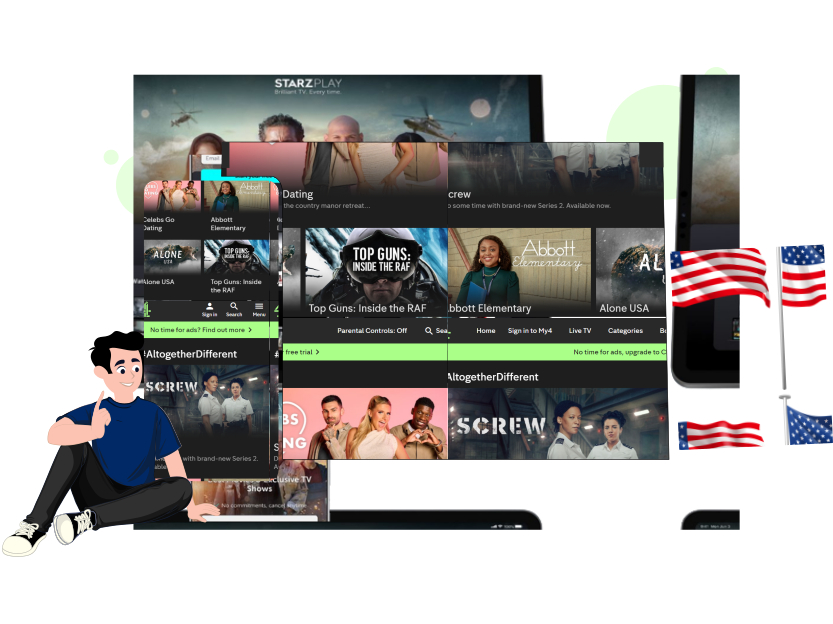

How to Stream Channel 4 with a VPN Worldwide
Channel 4, or All 4, is a Britain-based OTT streaming service that presents an extensive library of local and international classic TV shows, movies, documentaries, and sporting options, both live or on-demand.
Wondering how to access Channel 4 while visiting abroad or in the US? Subscribe to ExtremeVPN and enjoy your favorite content on Channel 4 securely and hassle-free around the globe.
- Buy an ExtremeVPN subscription.
- Install its application on your device; ExtremeVPN built dedicated apps for various devices.
- Download and Install the Channel 4 app, or simply open its website through your browser and enjoy binge-streaming!
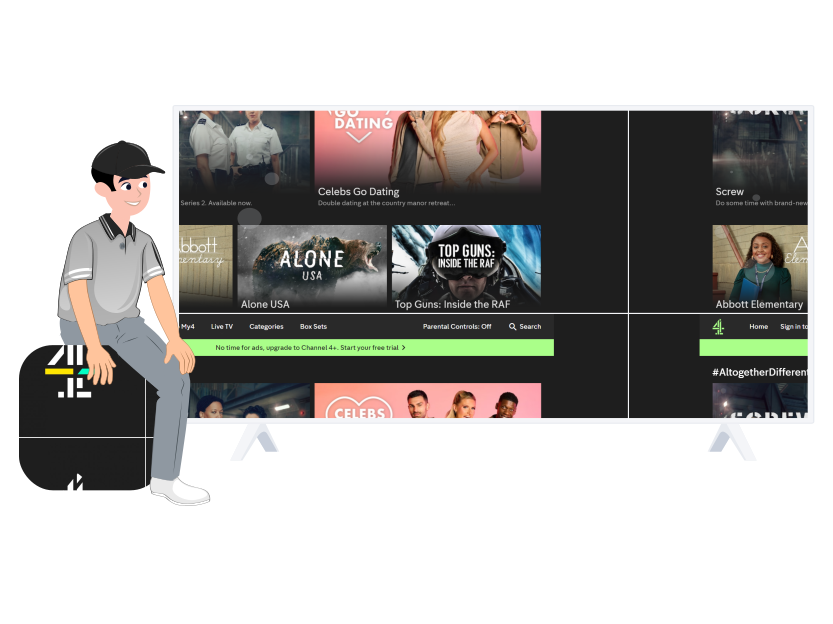
Why is Channel 4 not Available in My Country?
A subsidiary platform of Channel Four Television Corporation, Channel 4 is a free streaming service accessible only inside the UK and Ireland. It is unavailable outside these two countries because of its licensing and distributional agreements. To meet its terms and conditions, Channel 4 employs geo-restrictions to restrict its content within the borders of the UK and Ireland.
Using a premium VPN like ExtremeVPN, you can easily go around such restrictions and access Channel 4 to watch your favorite content wherever you are, posing as if you are on British premises.
How to Stream Channel 4 in the United States?
If you are an American resident or just visiting the country for work or vacation and want to continue your favorite TV show or movie on Channel 4 from where you left off last time, ExtremeVPN is all you need. Simply purchase its subscription, carry out the following steps, and enjoy your favorite programming on Channel 4.
- Become an ExtremeVPN subscriber.
- Download and install the ExtremeVPN application on your device.
- Choose any of its UK-based servers.
- Indulge in watching your favorite content on Channel 4!