
How to Access Discord from Anywhere with ExtremeVPN
Discord is excellent for engaging in voice chats, sharing content, and networking with gamers. Don’t let the app’s ban or government censorship stop you from connecting with friends, family, and coworkers in this online community.
Let ExtremeVPN change your location in no time to meet new people!
How to Access Discord With ExtremeVPN
You can access Discord without any restrictions by following these three steps:

Step 1
Visit ExtremeVPN’s site, subscribe to its premium plan, and download the app.

Step 2
Connect to a server in a location where Discord is accessible.

Step 3
Create a Discord account and join any of the platform’s online community.
Take extra steps to communicate online using ExtremeVPN.
What is Discord?
Discord is an online chatting community and VoIP solution formerly popular among gamers. It was an all-inclusive platform for multiplayer online games, as it featured voice and video chat, allowing gamers to stay in touch with teammates. Currently, the app serves a broader group of persons, providing multiple chat rooms for discussions.
Each chat room has different topics, rules, and members. Discord refers to its chat rooms as servers. Hence, some servers are private, requiring you to join through an invite link. With over 300 million users worldwide, you can join any conversation of your interest and meet like minds on Discord.
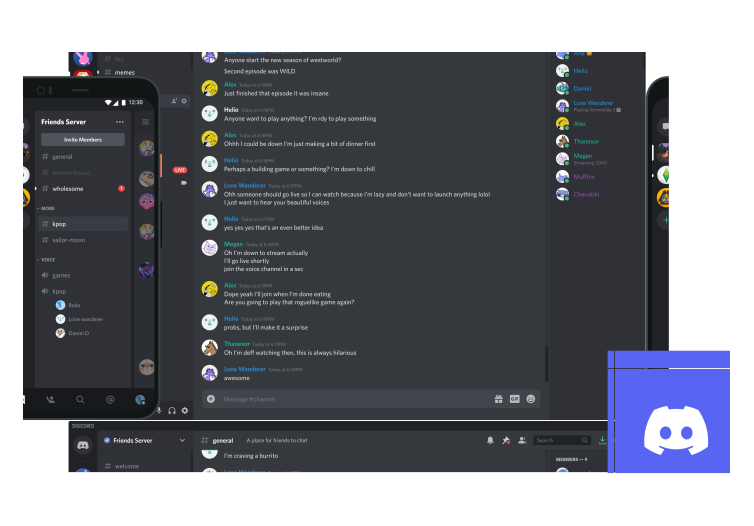
Why Does Discord Have Geoblocks?
Despite Discord being a popular group chatting platform, some countries have imposed an IP ban. For example, countries like Egypt, Oman, UAE, China, Iran, Russia, and North Korea have banned Discord. Due to these censorships, accessing the app without ExtremeVPN is impossible. Many schools and workplaces have also restricted the app’s traffic on their network to abide by rules regarding using an approved app.